Hardware
What you need to run Check Karma.
If you want to run Check Karma on a computer, here is what you need. If you want to run it on a tablet instead, a tablet is all you need.
Hardware required for Web application
If you want to run Check Karma on a computer, you need these pieces at the counter.
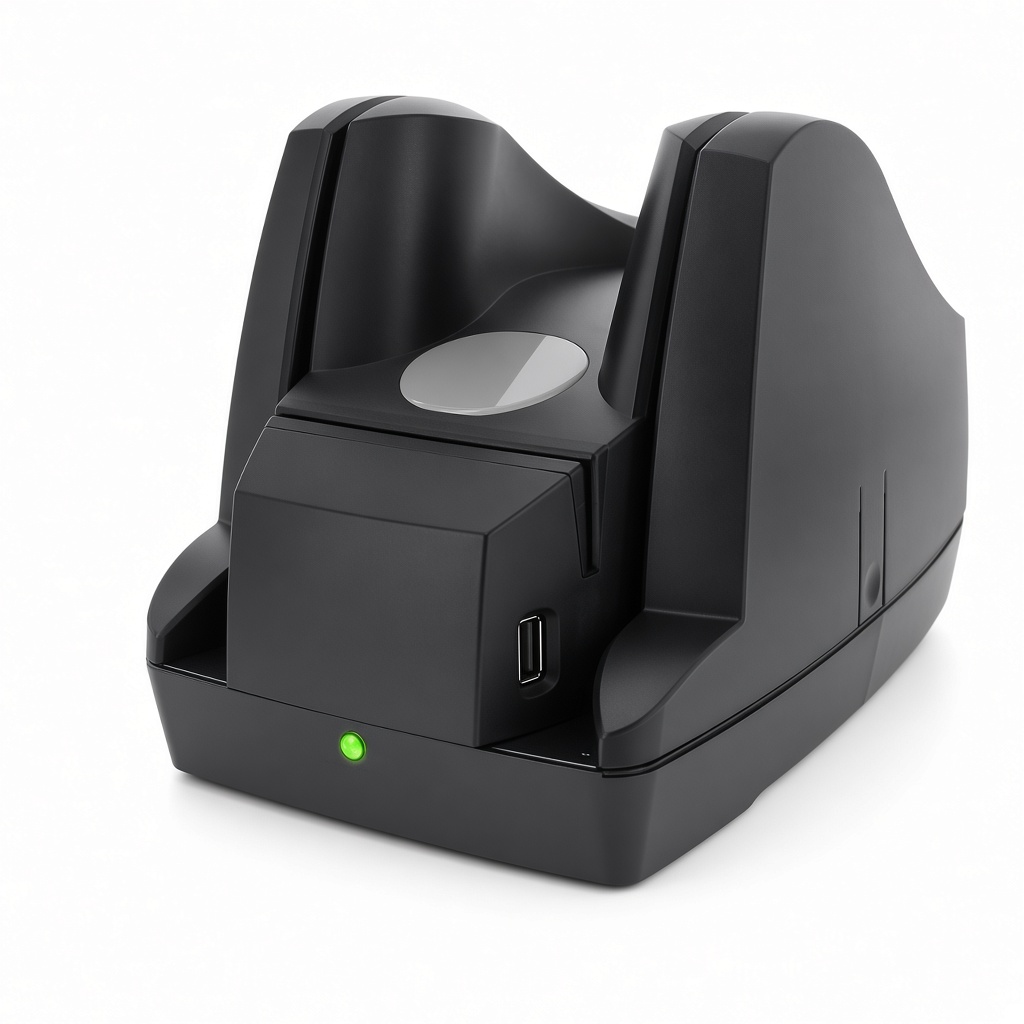
Part 22350009. This is the reader on the counter. It connects by USB or Ethernet. When a check is fed through, it captures the front image and the back image. It also scans the customer’s ID and saves a picture of the ID.
View check reader
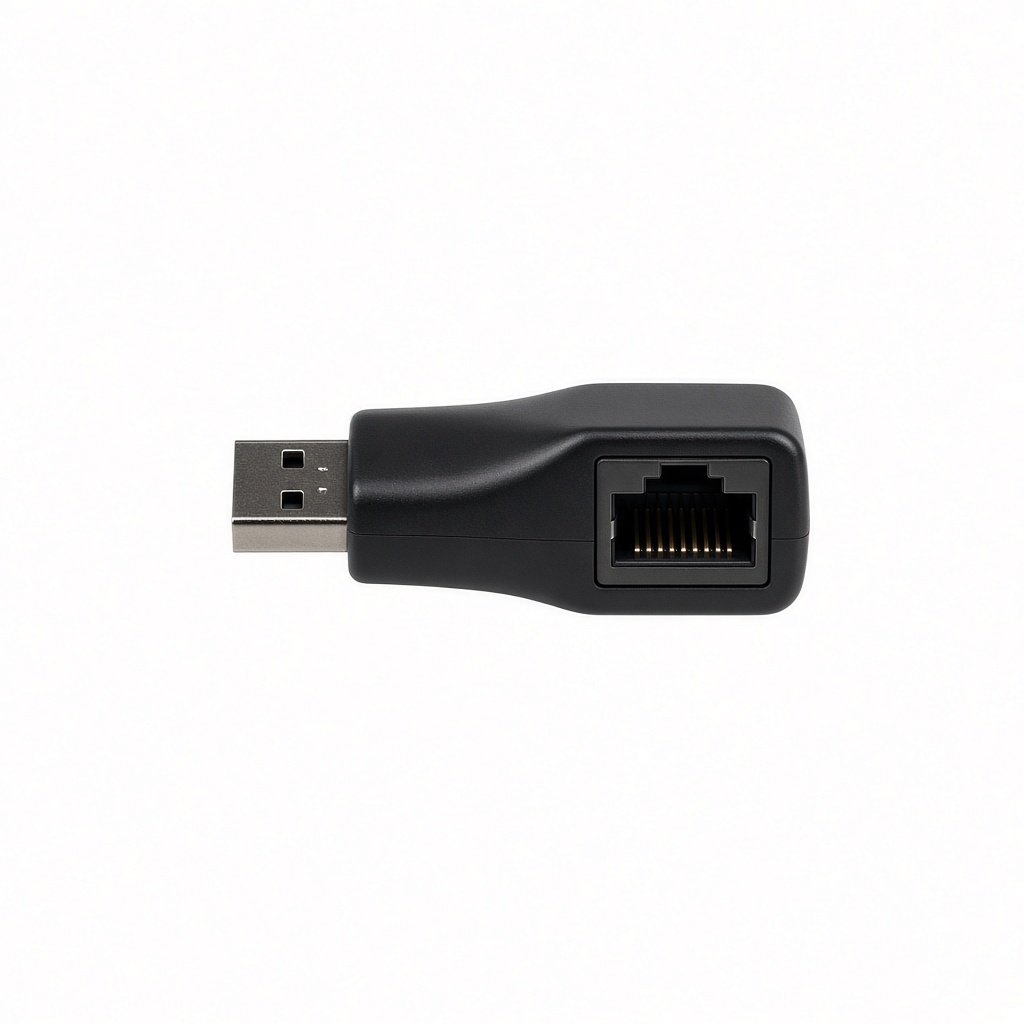
A USB 3.0 gigabit adapter. Plug it into the computer’s USB port. It adds an Ethernet jack so the check reader can connect with a network cable.
View Ethernet adapter
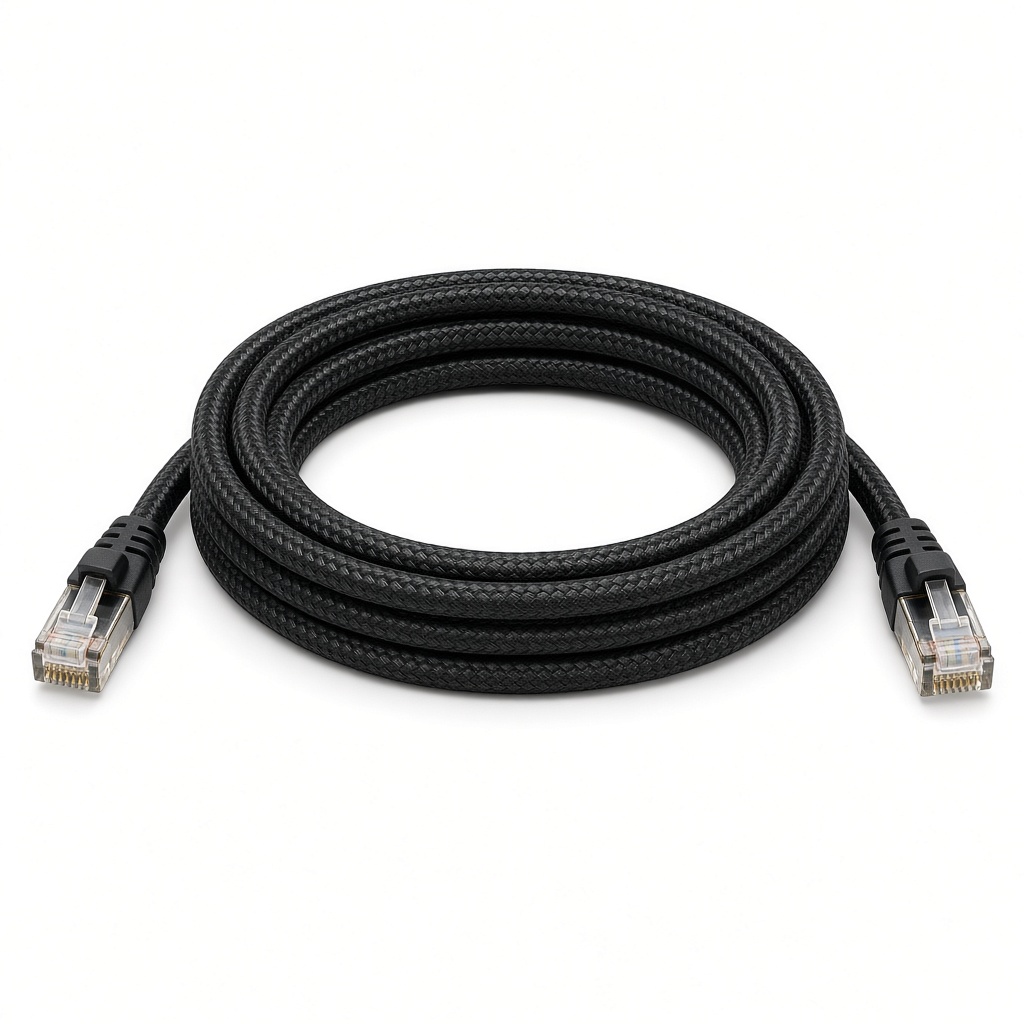
A 6-foot braided network cable. It connects the check reader to the Ethernet adapter so the reader stays on a wired connection.
View Ethernet cable
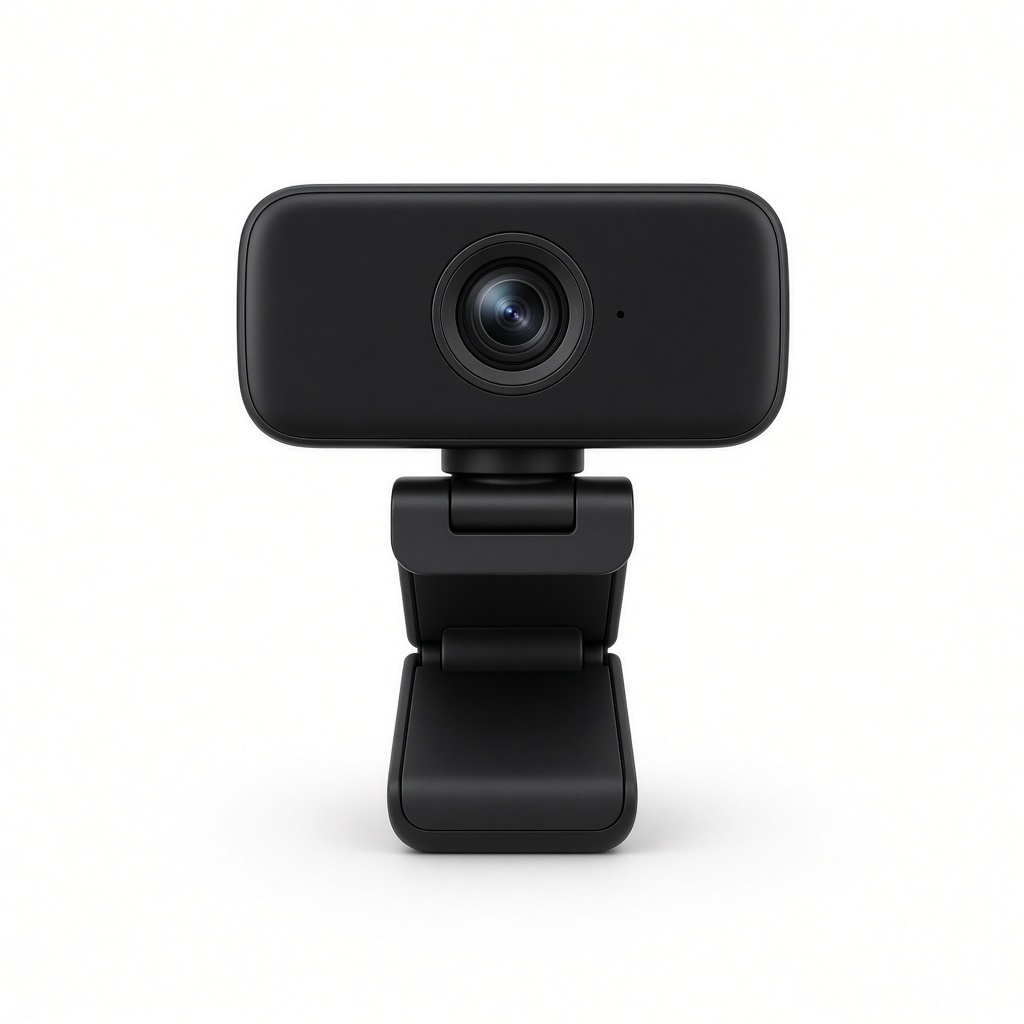
Webcam
A standard USB webcam at the counter. Check Karma uses it to take the customer’s profile photo.
Hardware required for Tablet
If you want to run Check Karma on a tablet instead, a tablet is all you need. The tablet camera scans the check, takes the check image, the customer profile photo, and the customer ID image. You do not need a check reader, Ethernet adapter, cable, or webcam.
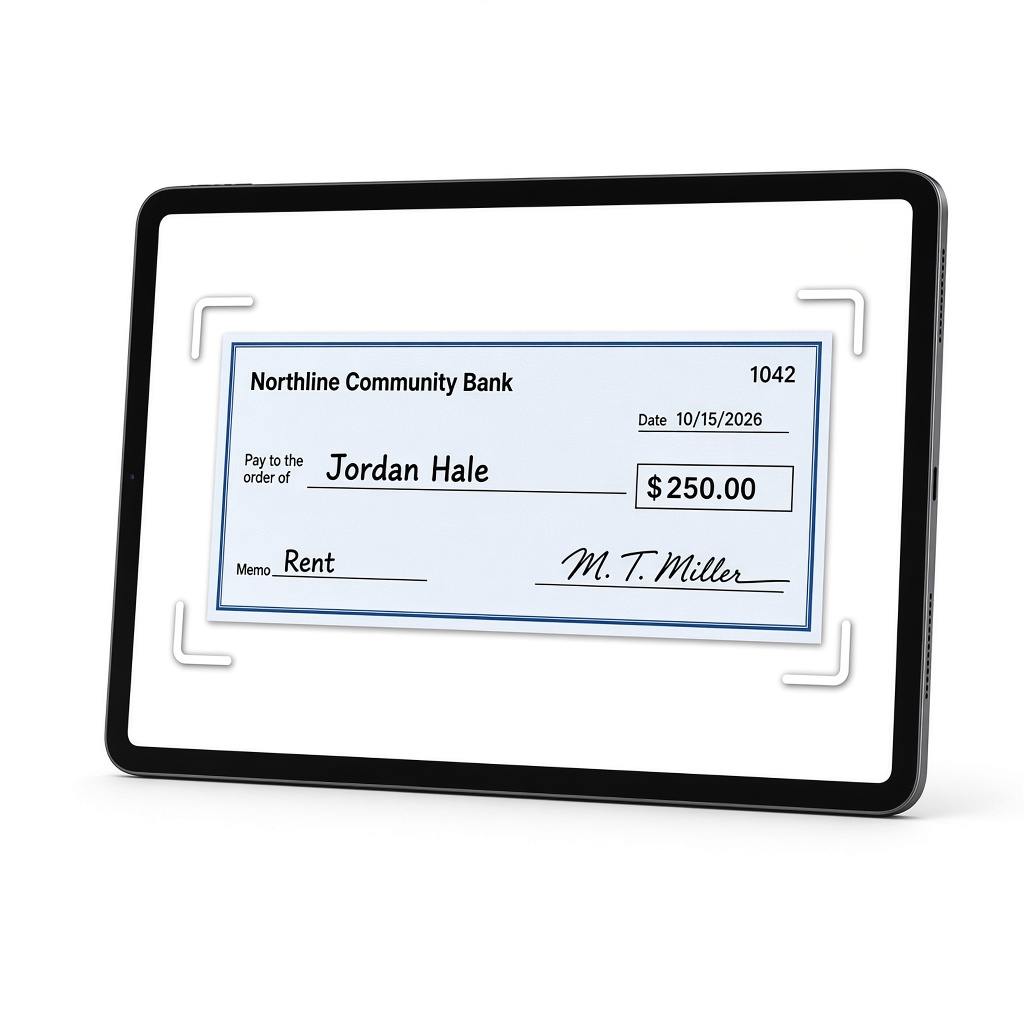
Android or iOS tablet
The tablet camera scans the check the way a mobile deposit does. It takes the check image, the customer profile photo, and the customer ID image.